

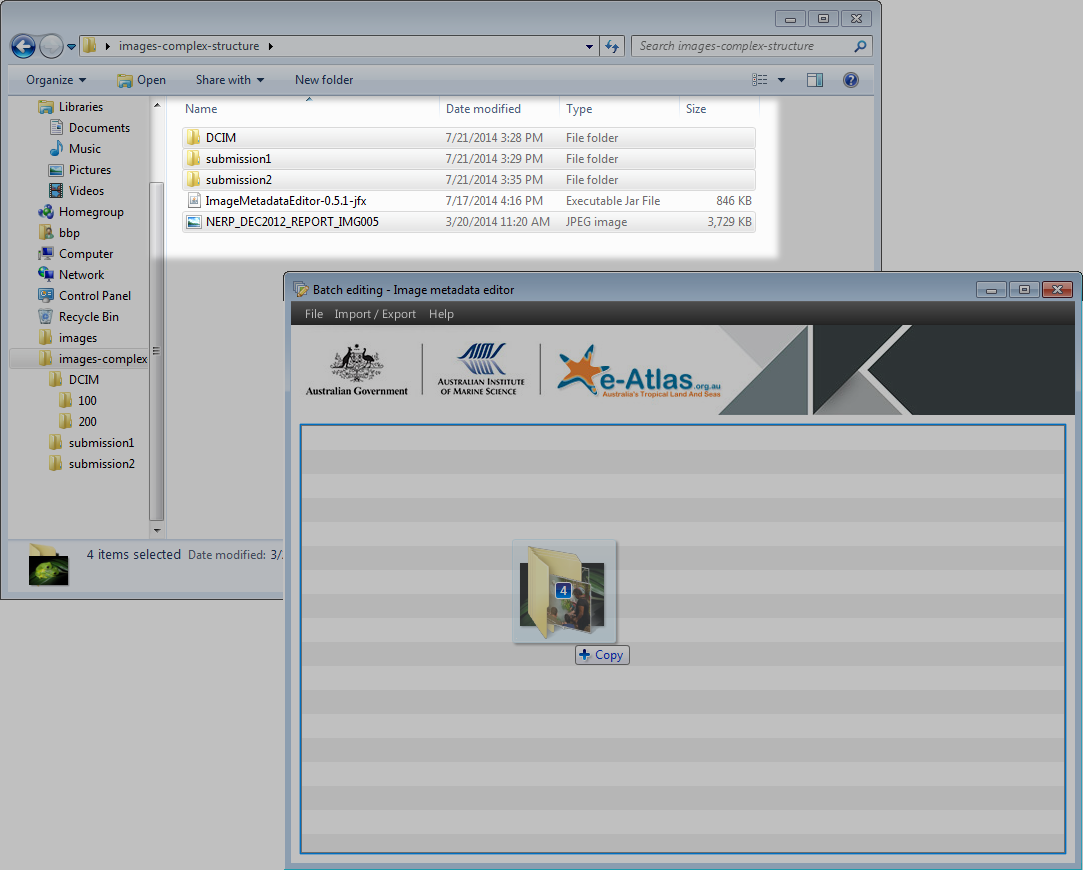
Loading a complex folder structure in the Image Metadata Editor
Image
Licence
Download original image
 Mr Gaël Lafond (eAtlas (Australian Institute of Marine Science)), eAtlas (Australian Institute of Marine Science)
Mr Gaël Lafond (eAtlas (Australian Institute of Marine Science)), eAtlas (Australian Institute of Marine Science)
Description
To load a complex folder structure, simply drag and drop all folders in the Image Metadata Editor. The application will show a warning if you accidently select files that are not JPEG images, or if some folders contains files other than JPEG.